
Reading Your Schedule
The Schedule gives you the wider view of your Sessions beyond just the next one. Use it to see what’s coming, spot gaps, and check where a Session stands.
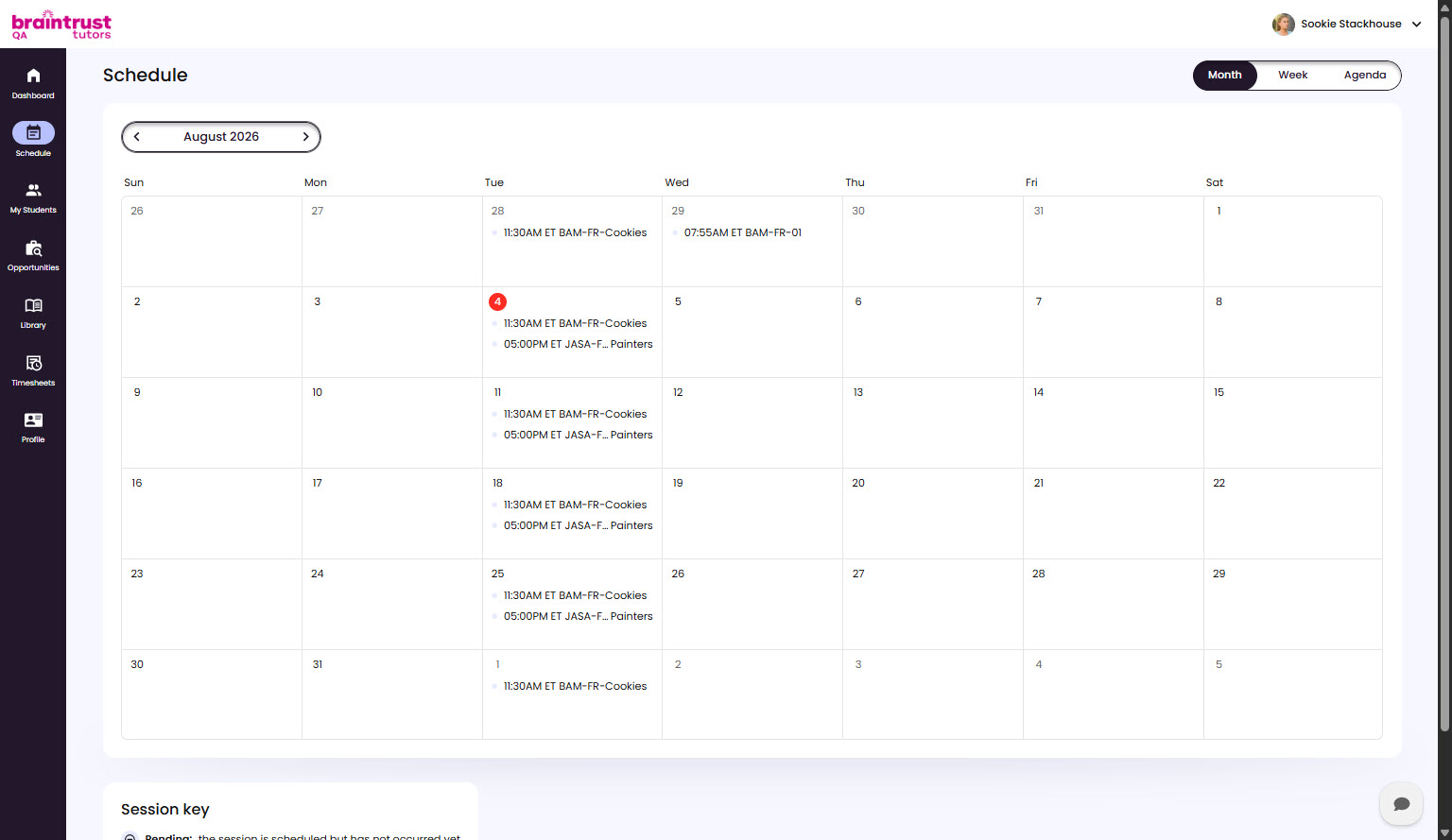
Month, Week, and Agenda Views
A toggle in the top right switches between three views:
- Month - the full month at a glance, with each day’s Sessions listed by time.
- Week - the current week laid out day by day.
- Agenda - a running list of upcoming Sessions.
Step forward and back with the arrows by the date, and use Today to jump back to the current day.
The Session Key
A Session key below the calendar explains what the markers mean - for example, a Session that’s still pending versus one that’s been completed - so you can read a Session’s state at a glance. A canceled Session shows with a line through it, so you can spot one without having to hover over it.