
Your Group's Details
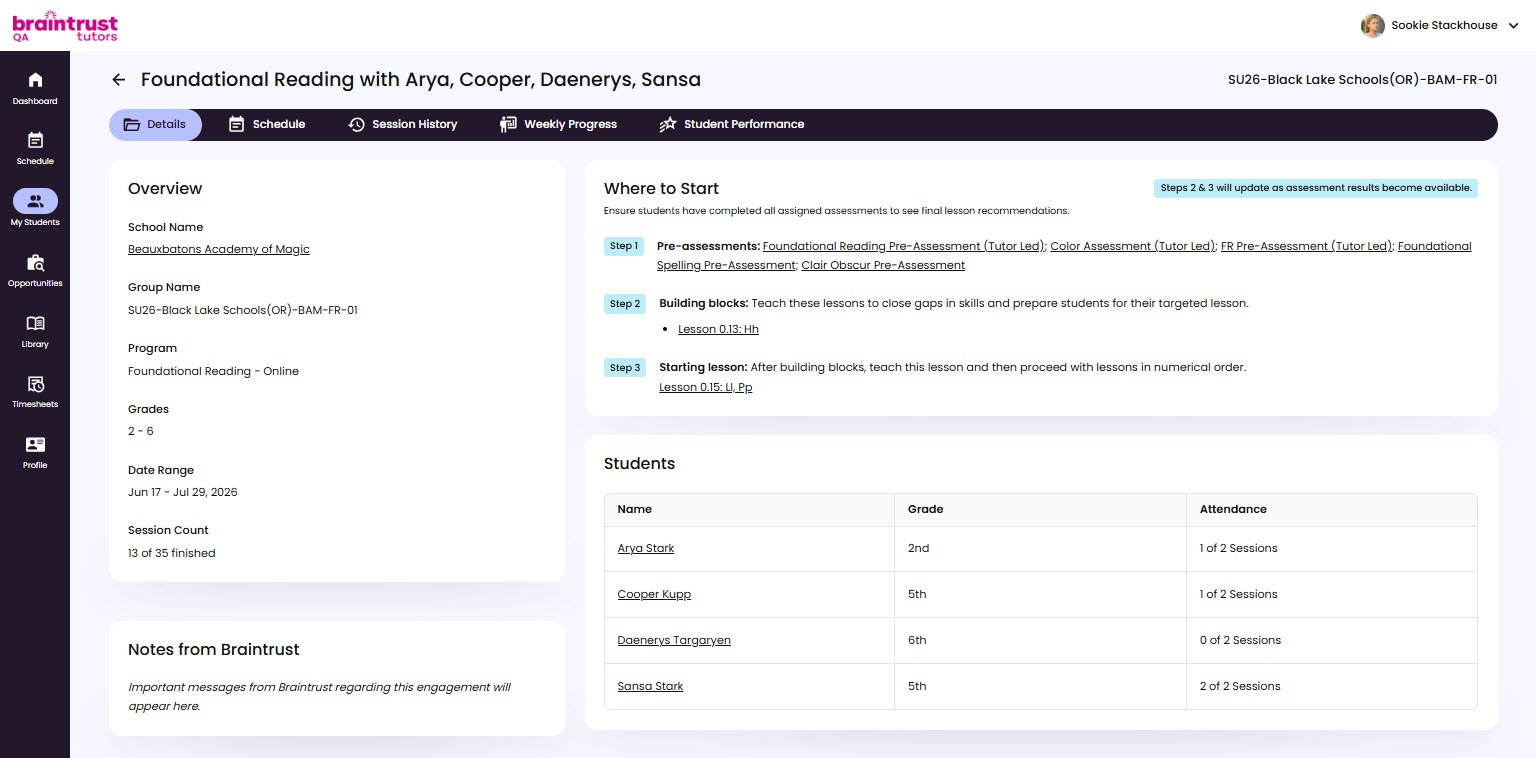
The Details tab is the home base for a group. It gathers the group’s information, any notes from your Braintrust team, the recommended starting point, and the students in the group. Everything here is for reference - setup and changes are handled by your Braintrust team.
Notes from Braintrust
A Notes from Braintrust panel shows important messages about the engagement - anything your Braintrust team wants you to know for this group. When there’s something new, it’s marked with a “New note!” tag. If the panel is empty, there are no messages yet.
Where to Start
The Where to Start section shows the recommended Building Blocks and Starting Lesson for the group, based on assessment data. This is the platform’s suggested starting point for the group’s path through the curriculum.
The Student List
The Details tab also lists the students in the group, so you can see at a glance who you’re working with.