
Student Performance
Student Performance gives you one place to see how students are doing across both assessments and activities, without opening each Session. It’s the quick read for “how did this group do on that assessment” or “how are they doing on activities.”
Switching Between Assessments and Activities
A picker at the top switches between two categories - Assessments and Activities. Pick the category you want to look at, then use the dropdown to choose the specific assessment or activity.
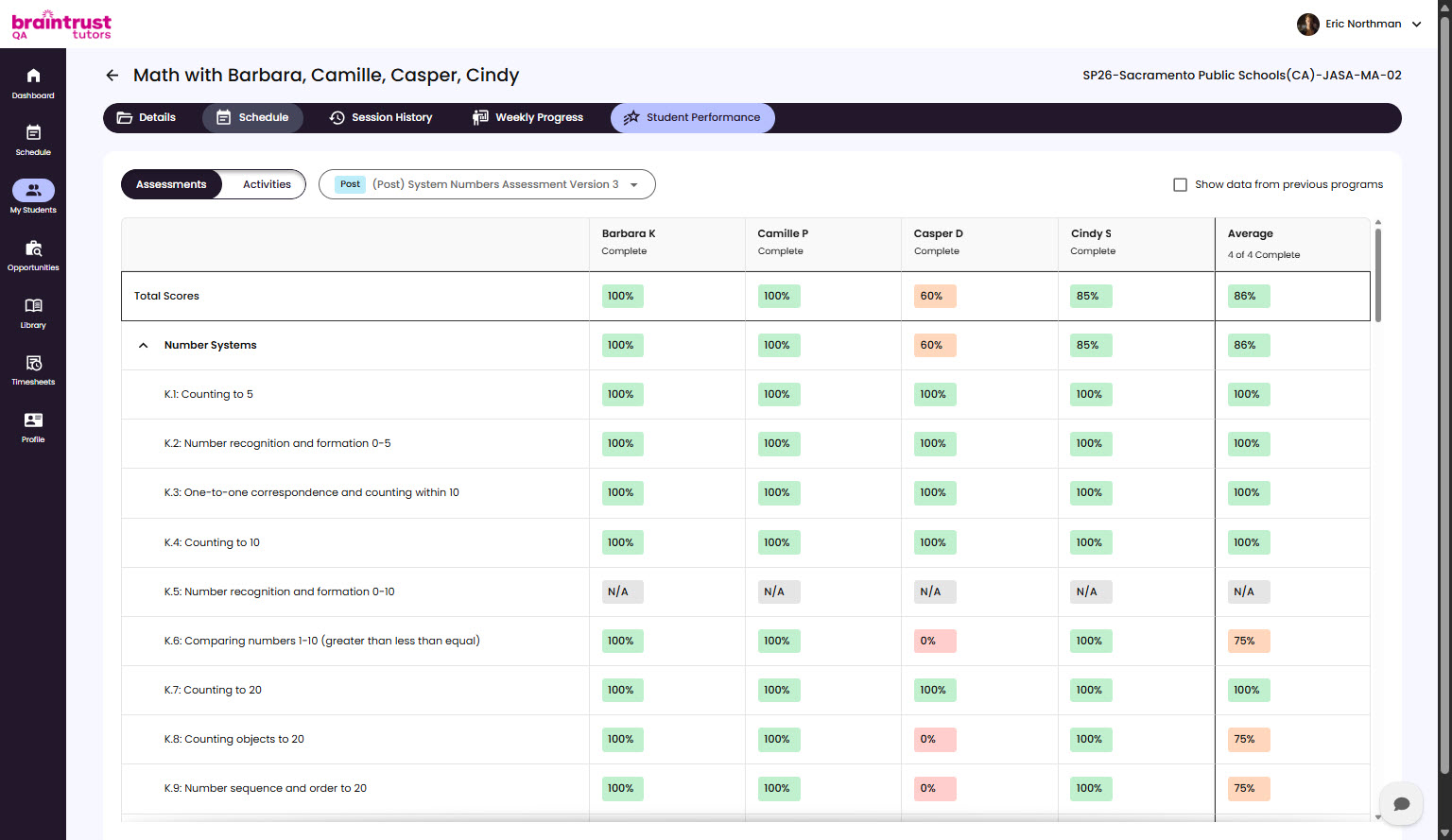
Reading the Results
Once you’ve picked one, the view shows each student’s performance for that assessment or activity as a percentage - how they did relative to the total possible score. That gives you an at-a-glance read on the group, with the flexibility to drill into any single assessment or activity.