
The Weekly Progress Report
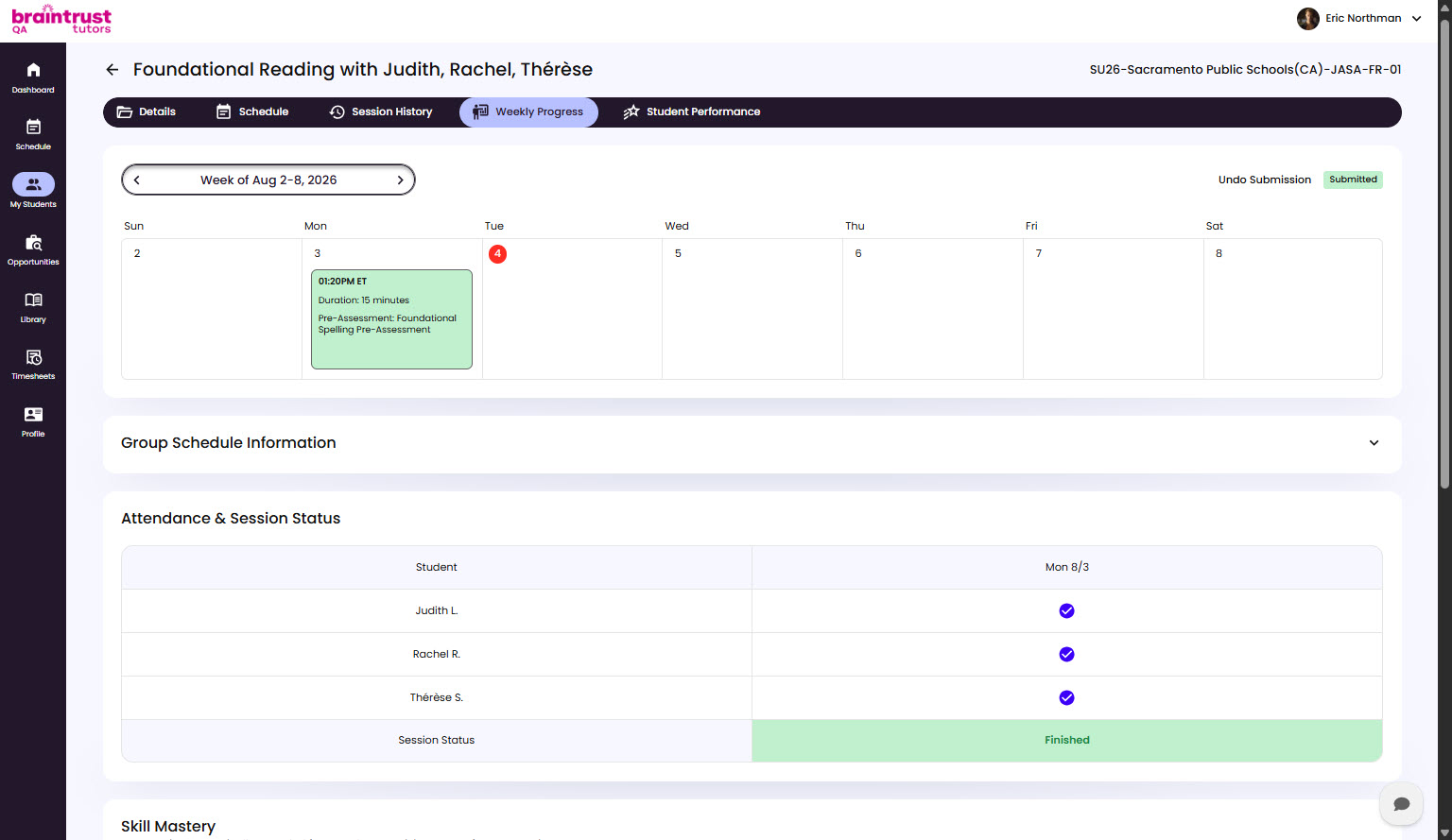
The Weekly Progress Report is the running record of a group’s week. It brings attendance, strengths and challenges, skill mastery, and the week’s Sessions into one place, so it’s the report to reach for when you want the full picture of how a group did over a given week.
What the Report Pulls Together
- Attendance & Session Status - recorded per student, per Session. You mark attendance right in the report, and future-dated Sessions can’t be changed yet. See Tracking Attendance.
- Strengths and challenges - what you record for each student who attended. See Recording Strengths and Challenges.
- Notes - one notes panel for the report, for anything you’d like to share with school staff about your group.
- Skill mastery - read-only. One row per lesson for each student, with its level and how many activity scores it’s based on.
- The week’s Sessions - the Group Schedule Information panel and a calendar of the week’s Sessions, each showing its agenda and status.
Submitting the Report
- Click Start Report.
- Fill in attendance, strengths and challenges, and notes.
- Click Submit Report. A Submitted tag appears.
The report won’t submit until every Session is set to a finished or canceled status, every Finished lesson Session has a lesson assigned, and every student who attended has strengths and challenges. A message tells you what’s missing.
If you need to make a change, click Undo Submission. You can do this until the report’s deadline, and then submit again.
Adding Resources
The Upload Additional Resources panel lets you attach any files that are relevant to the week’s progress. It’s optional.
Where Skill Mastery Comes From
Skill mastery updates from activity work during lessons, not from assessment scores. Skills are classified as Mastered, Progressing, Area of Need, or Previously Mastered as a student works through activities.